Start with one rule, one control and a clear ending. Play the example, put its prompt in the game maker, and check the result before sharing. The example is free to play without an account. Creating requires sign-in and uses the allowance shown in your account; it is not unlimited generation.
Start with a playable example
The star-catching example below is hand-coded for DreamCore. It demonstrates controls and rules; it is not an AI-generated result or a promise that the same prompt will produce identical visuals.
Play first, then make a 30-second star-catching game
This interaction example was hand-coded for DreamCore. It is not an AI-generated result. Ask for the same rules with the prompt below; generated visuals and behavior will vary.
Play the interaction example in a separate page
Use this prompt in the game maker
This button puts the example prompt in an empty creation box. Review or edit it, then press Make to send. Sign in to create; generation has usage limits. If you already have a draft or a queued request, keep it and copy the example manually instead.
Once it works, change one thing at a time
- The stars fall too fast; make them half as fast.
- Change the time limit from 30 to 60 seconds.
- Add a small sparkle when I catch a star.
Check that you can catch a star, reach the time limit, and play again before sharing.
From the example to a finished game
- Choose Use this prompt in the game maker. On an empty creation screen, the public example prompt appears in the input box. You can change it before sending. Opening that screen does not start generation.
- Press Make when you are ready. If you are signed out, sign in to continue the request you submitted. Check your account's remaining allowance before starting another build.
- Wait for an actual playable result. A chat reply, a copied prompt, or a loading screen is not a finished game. If generation fails, use the generation troubleshooting guide.
- Play it to the end. Confirm that the catcher moves, each caught star adds one point, the timer stops the game, and Play again resets the score and timer.
- Fix one problem at a time in chat. For example: “The catcher does not follow my finger on a phone. Fix touch movement without changing the timer or scoring.” Test the result again.
- Open publishing settings, choose Only people with the URL or Everyone, and confirm publication. Open the resulting link in another browser before sharing it.
If the creation screen already contains a draft, attached photo, template request or queued generation, this shortcut leaves that work alone. Use Copy the prompt and paste it when you choose to replace your input. The automatic handoff is available in the same browser tab; the copy button is the fallback for a new tab or blocked browser storage.
See how to test inside Studio and publishing visibility settings. Review the visibility and remix settings available on your plan before publishing.
An actual DreamCore generation: Star Harbor: Star Catch
This product demonstration was generated on 2026-10-25 and tested on 2026-10-25 using an internal account excluded from growth metrics. This is a recorded example, not a promise that every generation will behave the same way.
The submitted prompt
Create an original 2D browser game called Star Harbor. A small coral boat catches falling golden stars on a deep blue night sea. Move left and right with the arrow keys, A/D, or by dragging on a phone. Each caught star adds one point. A round lasts exactly 20 seconds, then stops and shows the final score and a Play again button that resets the score and timer. Show a clear Start button before the round, brief English instructions, score and remaining time. Use simple original vector shapes, gentle particles and no external assets or copied characters. Make all controls and text fit a narrow phone screen. Make the boat responsive and let a beginner catch a few stars easily. Use English for all game text.
What happened after generation
The first generation produced a moonlit sea and boat, but was missing the requested start, timer, ending and restart flow. We sent one follow-up correction asking for those controls and rules. The generated version uses image assets, despite the original request for simple vector shapes. The recording shows the corrected, published game.
What we checked
On the published game, an anonymous 390px browser test moved the boat with arrow keys and a touch drag, caught 11 stars, reached the result at 20 seconds, and used Play again to reset the score to zero and timer to 20 seconds. We skipped the optional leaderboard name prompt. This is a browser check, not a physical-phone compatibility test.
Play Star Harbor: Star Catch · View the demonstration author
Share this example
Use the recording and image to introduce this example. They show this game, not every game made on DreamCore.
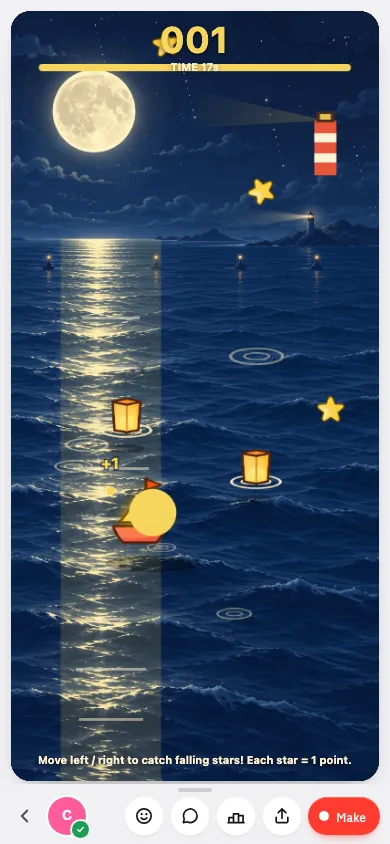
What “free” means here
You can play the example and public games without paying or signing in. Creating and saving a game requires an account. Generation has usage limits, and the account and plan screens show the allowance available to you. Check those screens for current details rather than treating a search result as an unlimited offer.
A game is ready to share when its controls, ending and restart work and the public or link-only URL opens correctly. Copying a prompt, starting a generation, and clicking a share button are separate steps; none alone proves that a playable game was published.
Games you can play before creating
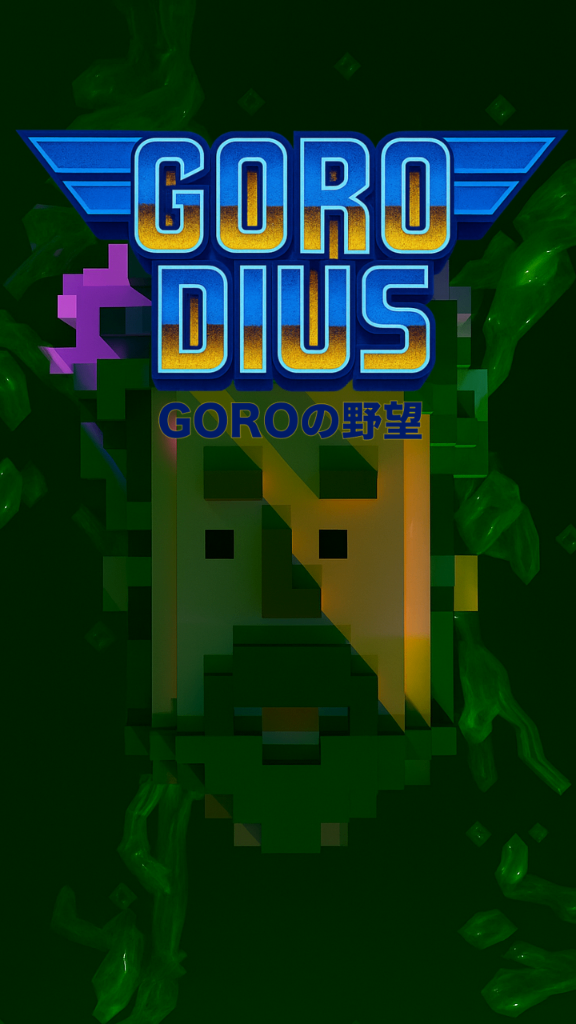
GORODIUS GORO’s Ambition
by MOKO
7,423 plays
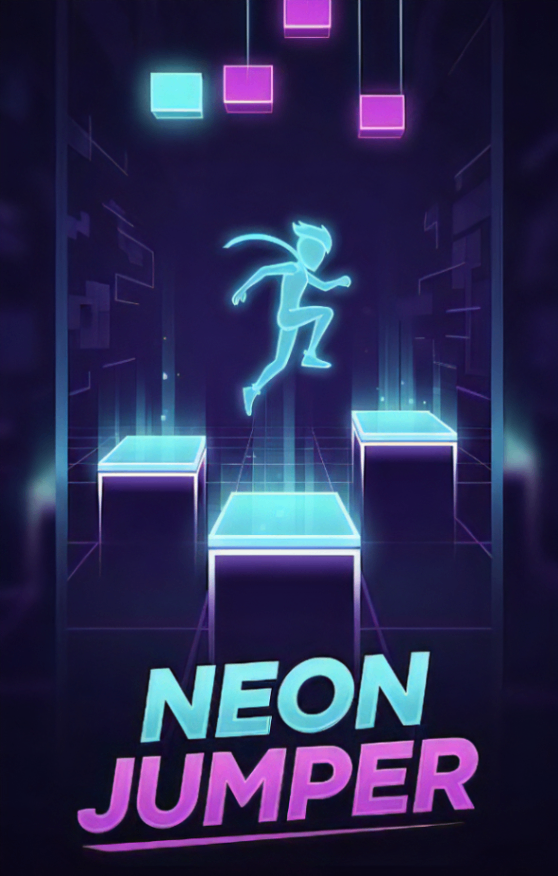
Neon Jumper
by ラミー
7,057 plays
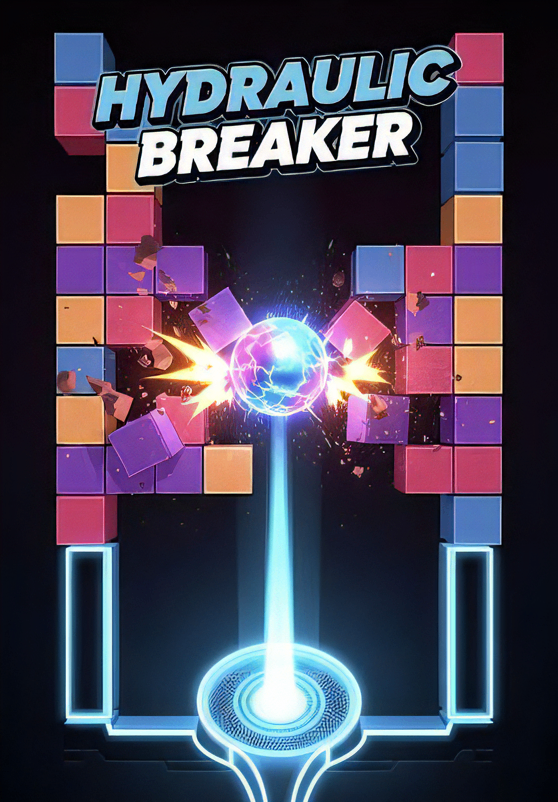
HYDRAULIC BREAKER
by ラミー
6,851 plays
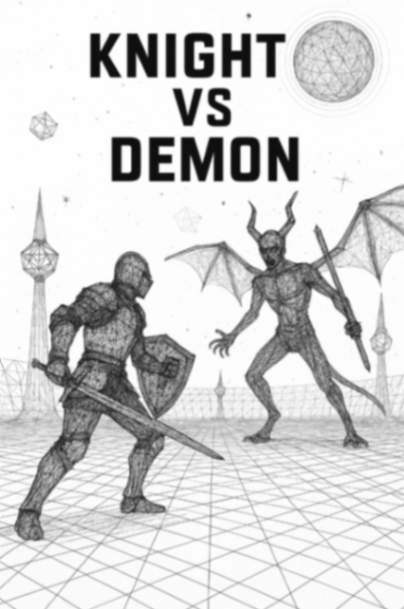
Wire Art Combat
by gimu
6,158 plays
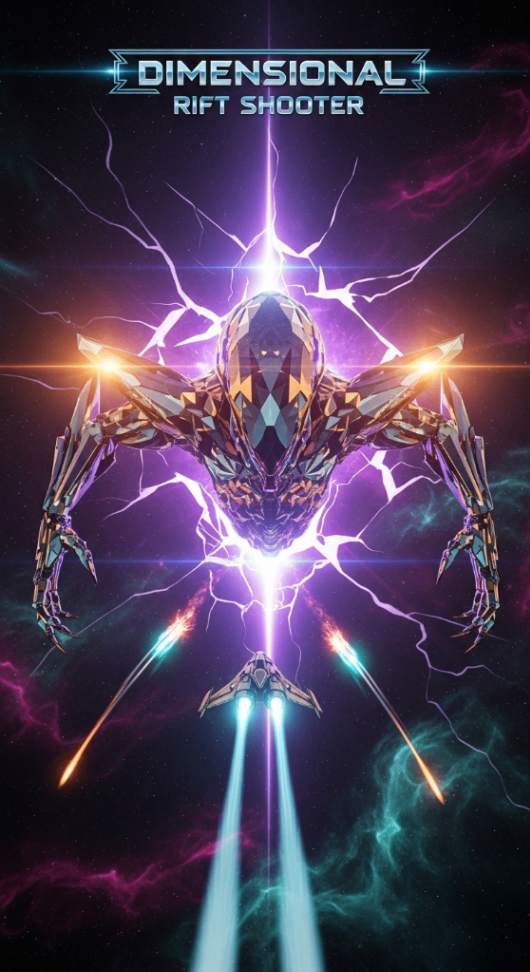
Dimensional Rift Shooter
by suemaru
5,410 plays
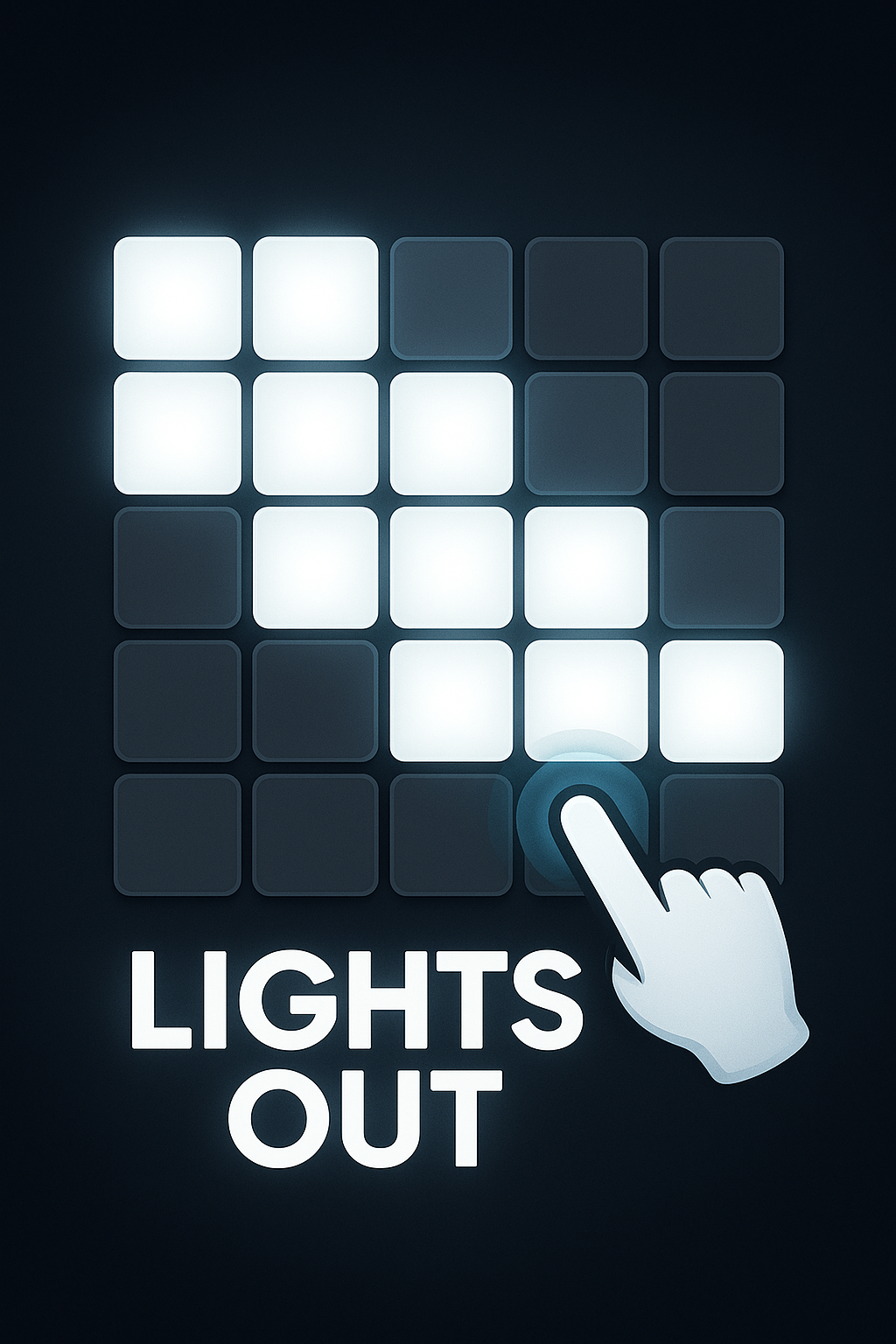
Light Out
by NullPosition
5,395 plays
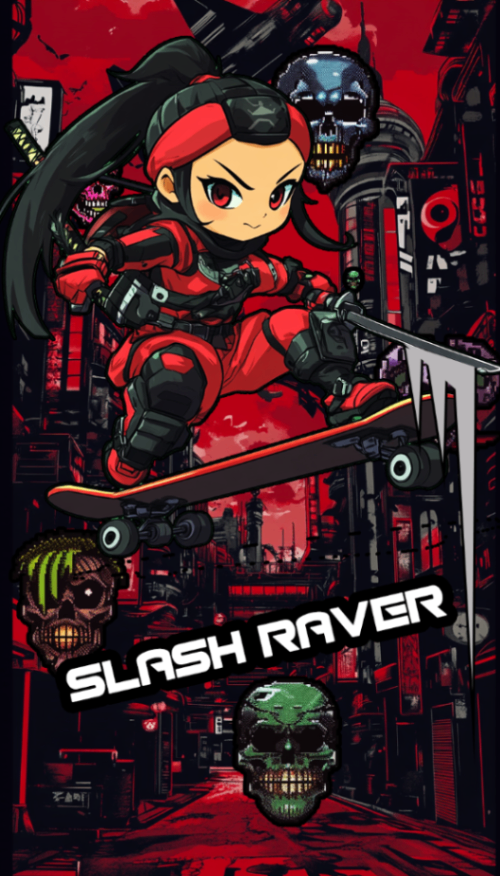
SLASH RAVER
by MISOSHITA GLITCHRAVE
5,320 plays
ROKESTA: Color Cascade
by k.u.n.i.sloth
5,277 plays
Want more ideas? Browse free browser games by genre or try the rhythm games and timing example.
Frequently asked questions
Can I try the example without creating an account?
Yes. The interaction example and public games can be played in a browser without an account. To make and save your own game on DreamCore, sign in.
Does the prompt button start generating immediately?
No. It puts a fixed public example prompt into an empty creation box. Review it and press Make yourself. If you have already submitted a request and sign-in is required, the existing sign-in flow continues that submitted request.
What if I already have a draft?
The handoff does not replace a non-empty input or take over a pending request. Copy the example manually if you decide to use it instead.
Is generation unlimited?
No. Check the allowance and plan information shown in your account. A small game with one rule is a useful first test, but an AI result can still require fixes.
How do I know the game is complete?
Play until the ending, test the controls and scoring, then restart. If any of those fail, describe the specific problem and test the next version before publishing.
Do players need to sign in?
Public and link-only games can be played from their link without signing in. Account features such as comments, reactions or a named leaderboard entry may require sign-in.
Where can I compare DreamCore with Rosebud?
Read our Rosebud alternative comparison, including official sources, limits and a small test you can try before choosing a tool.